Food, habits and workouts. One app.
Search or scan a food, tick off your habits, record every set and cook from creators’ recipes. The Free plan needs no card.
- On the web today
- On iPhone and Android from Sunday 6 December
Five jobs, one app, one account
- A food tracker
- A habit tracker
- A workout log
- A recipe box
- A shopping list
Food
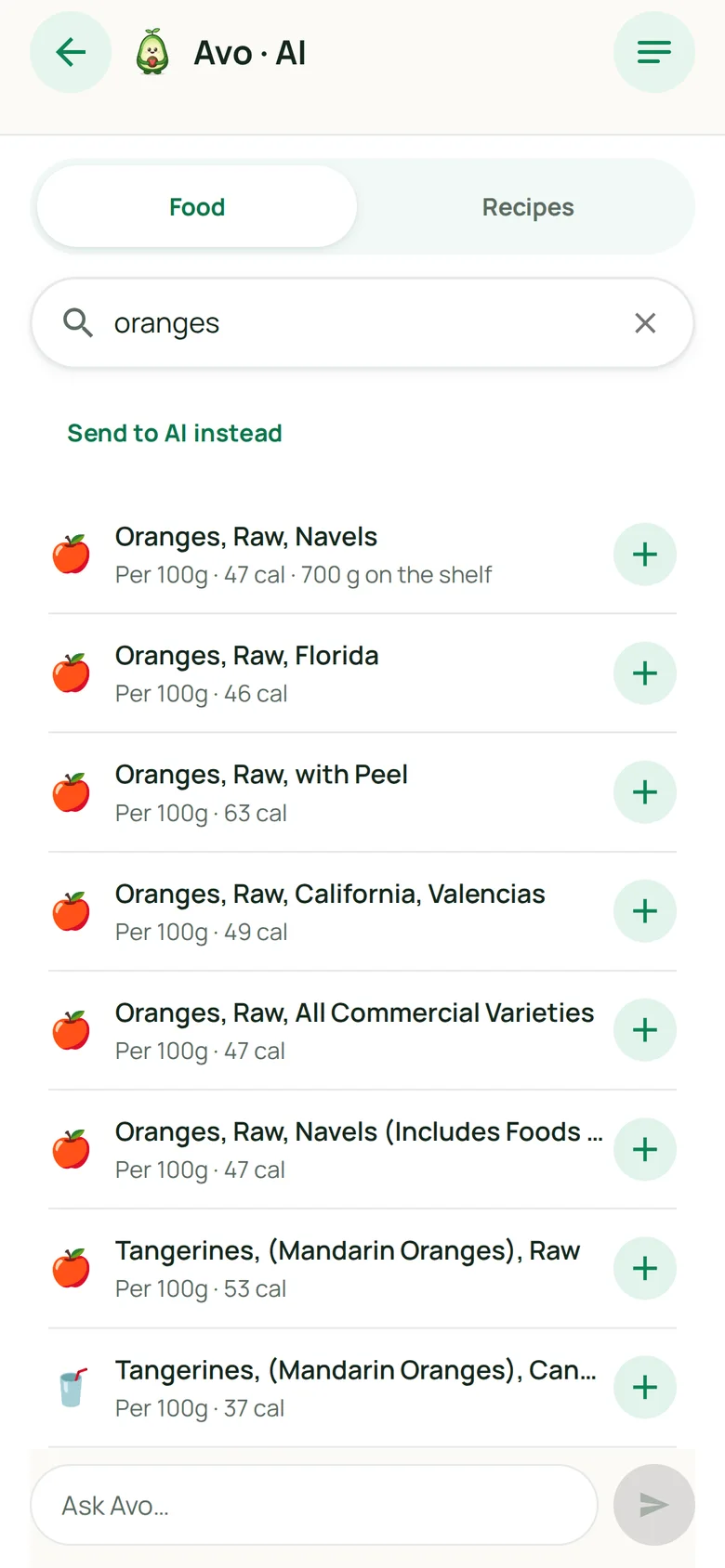
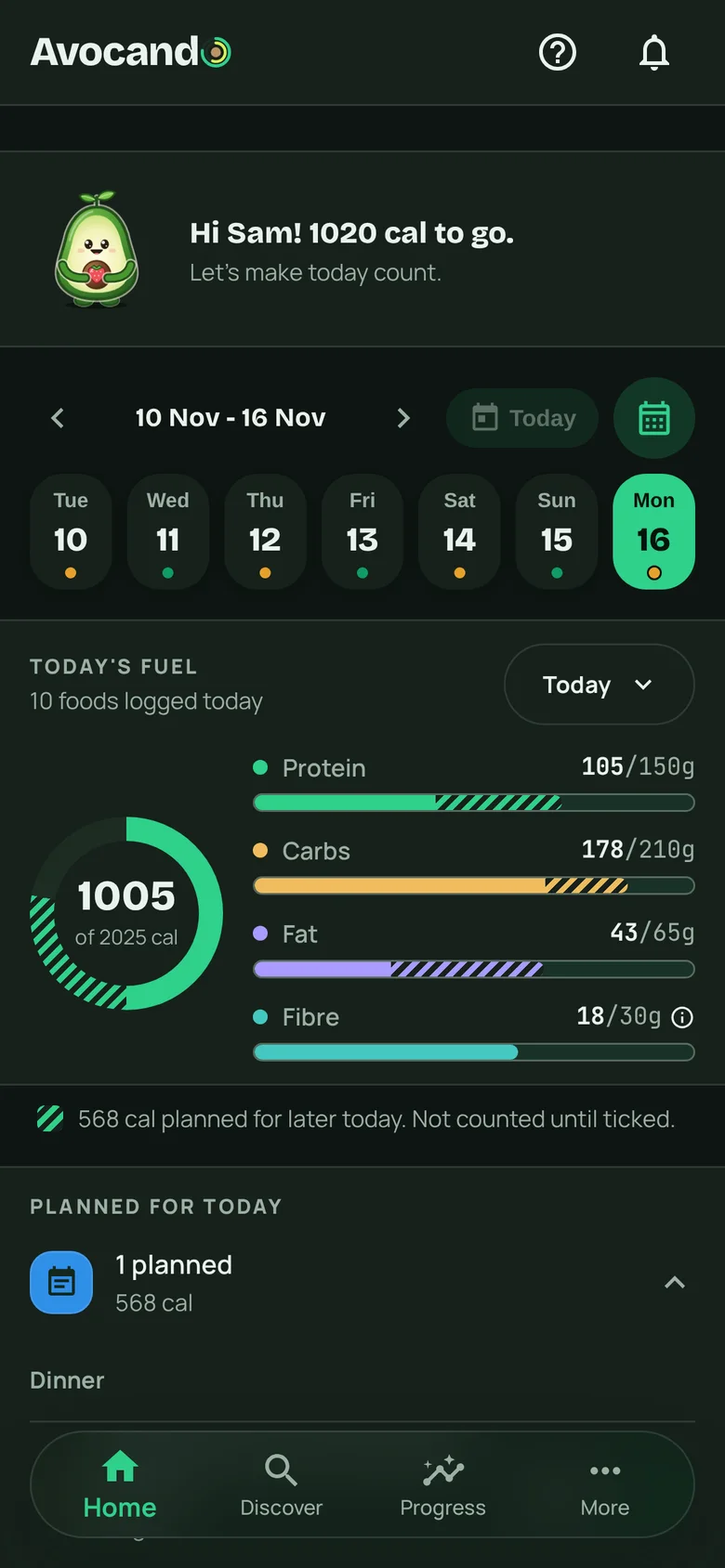
Search it, scan it, log it
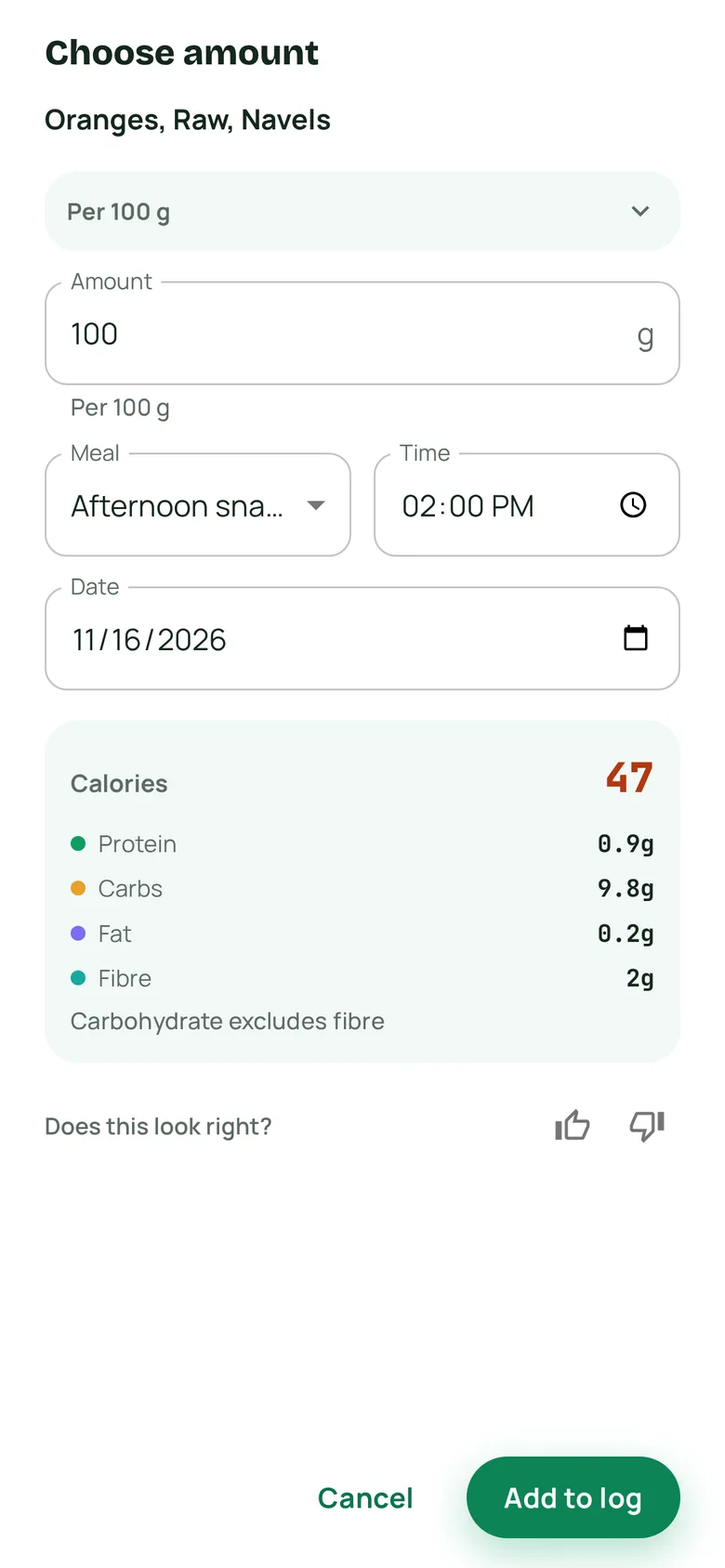
Search the food library or scan a barcode. Pick the amount and see the calories and macros before it goes in your day.
- Barcode scanning on the Free plan
- Your frequent foods, ready
- Copy a meal from an earlier day
AvoPremium
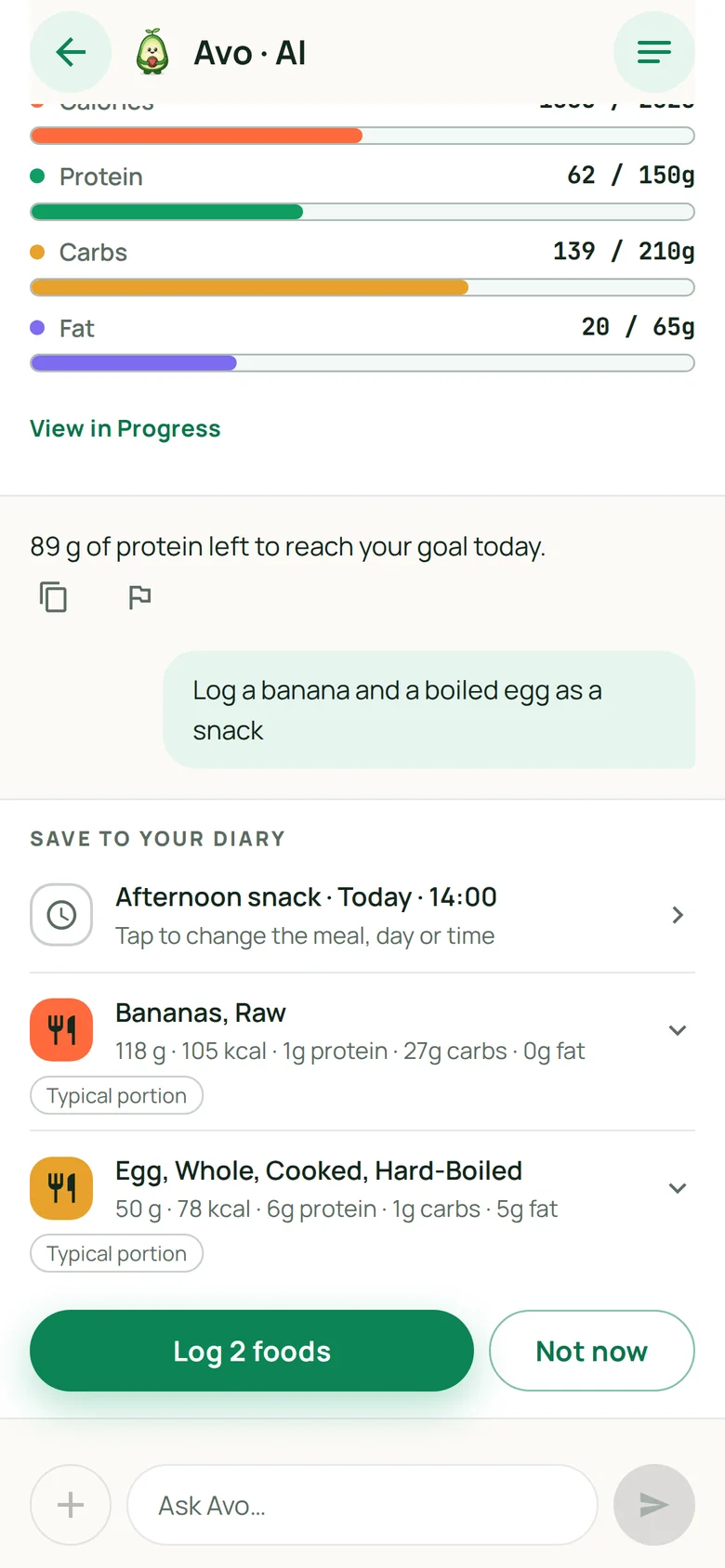
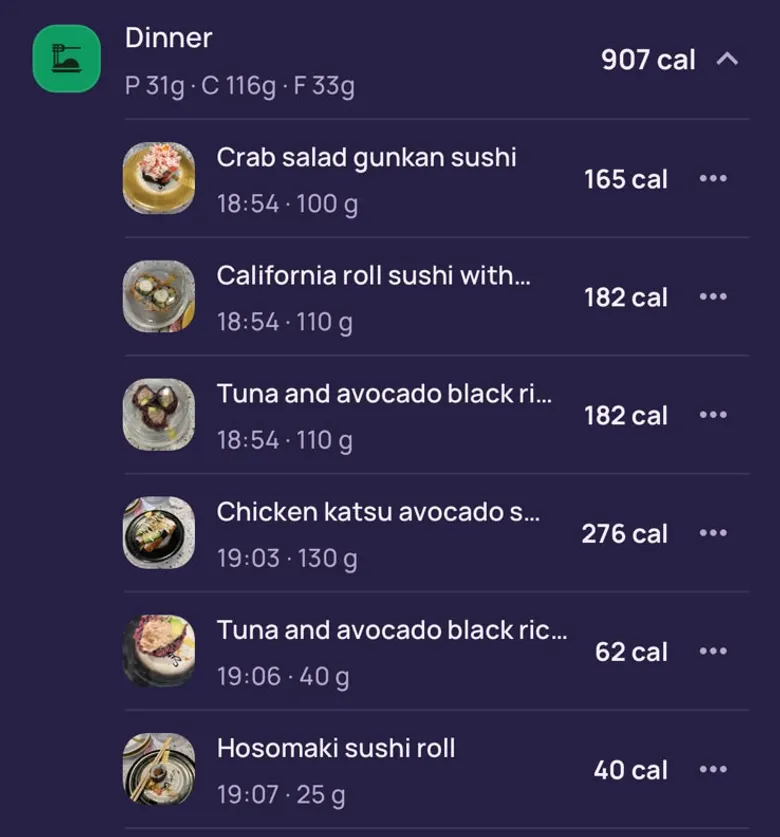
Tell Avo what you ate
Type a meal the way you would say it, or snap a photo of the plate. Avo finds the foods, shows the numbers and asks before a meal is logged.
- Asks before it logs a meal
- Guesses are marked for you to check
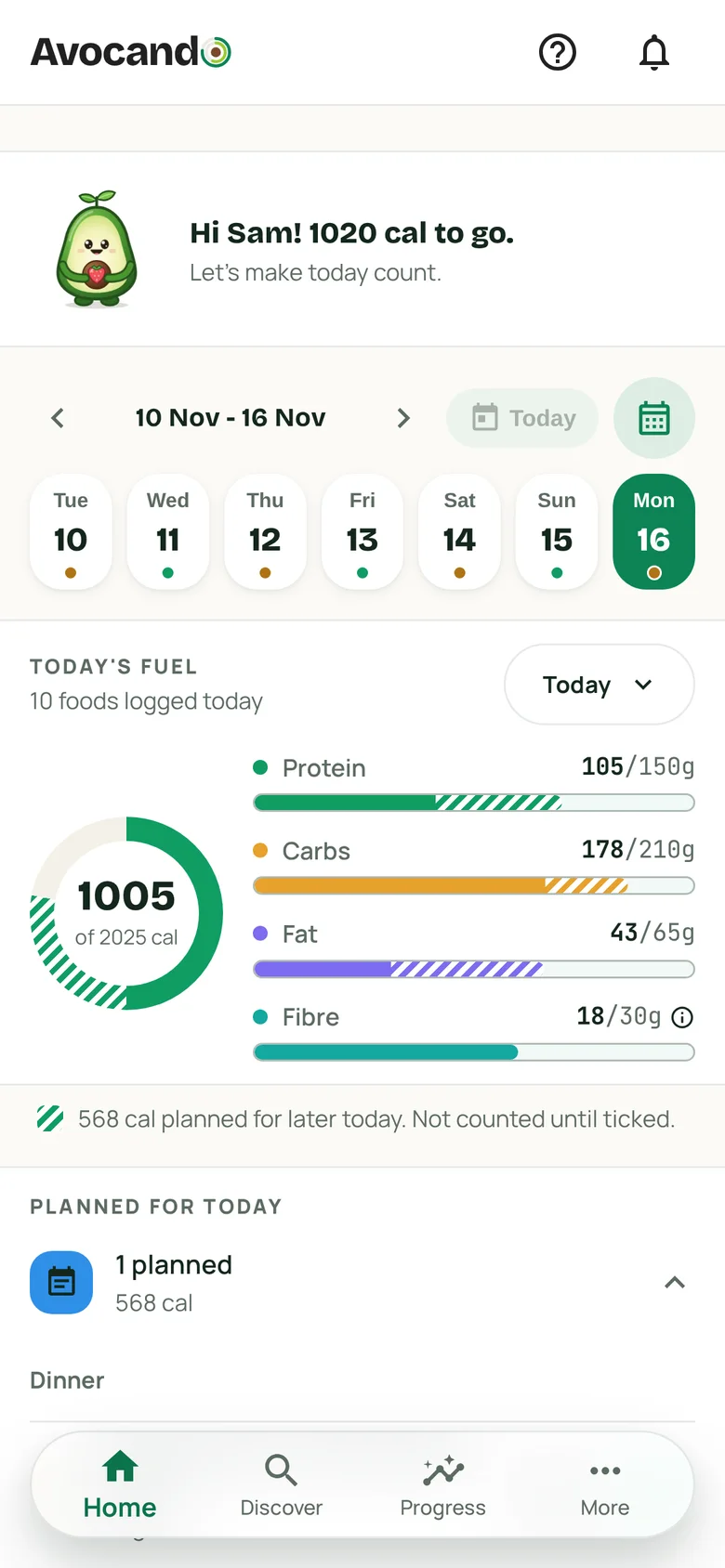
- Ticks a habit or builds a workout plan, with Undo
Avo comes with Premium. Premium is bought in the iPhone and Android apps from 6 December, and then works on the web too. New subscribers start with a 7-day free trial, card needed.
Habits
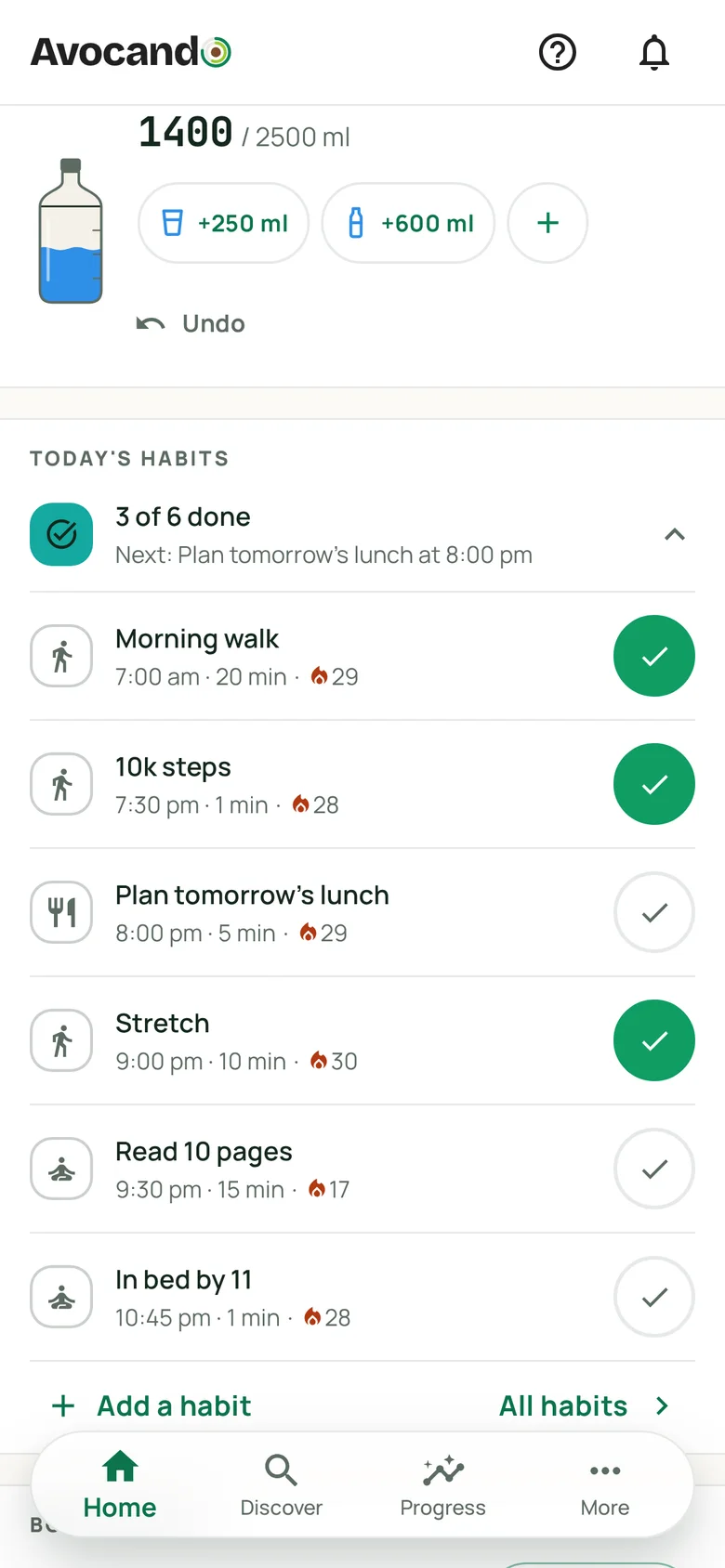
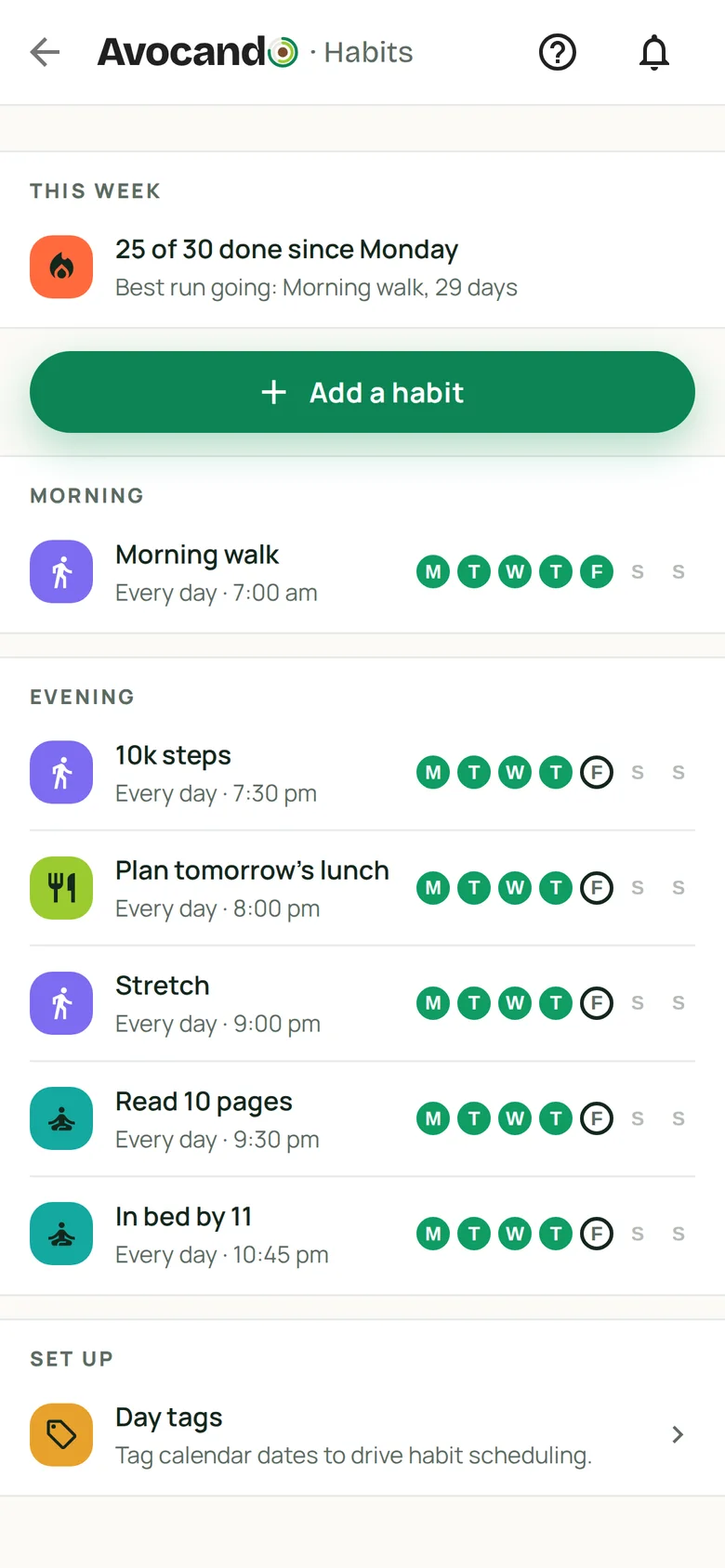
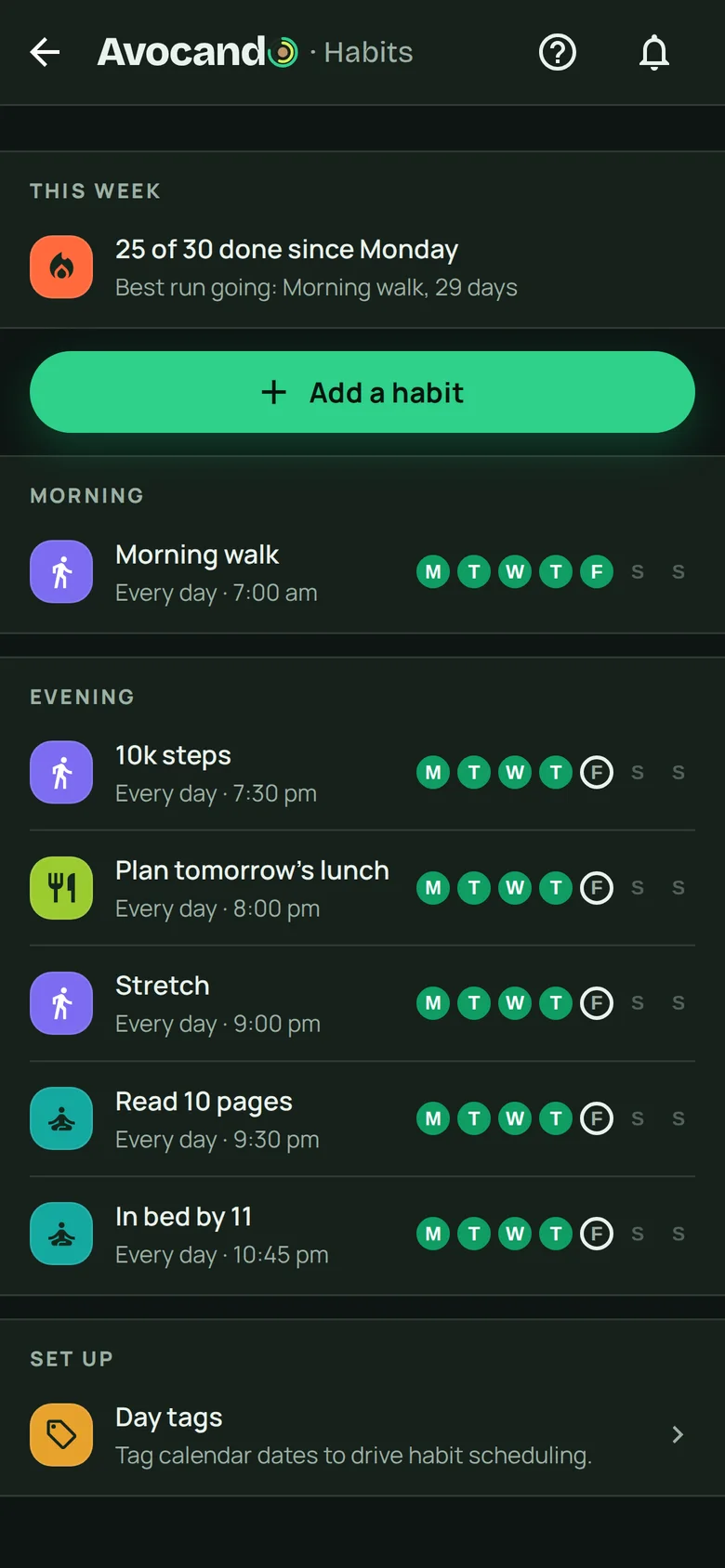
Small habits, on the days you choose
A walk at lunch, a glass of water, ten pages, bed by eleven. Set the days that suit you and tick them off on Home.
- Every day, weekdays or the days you pick
- One missed day a month is covered
- Pause a habit while you are away
Workouts
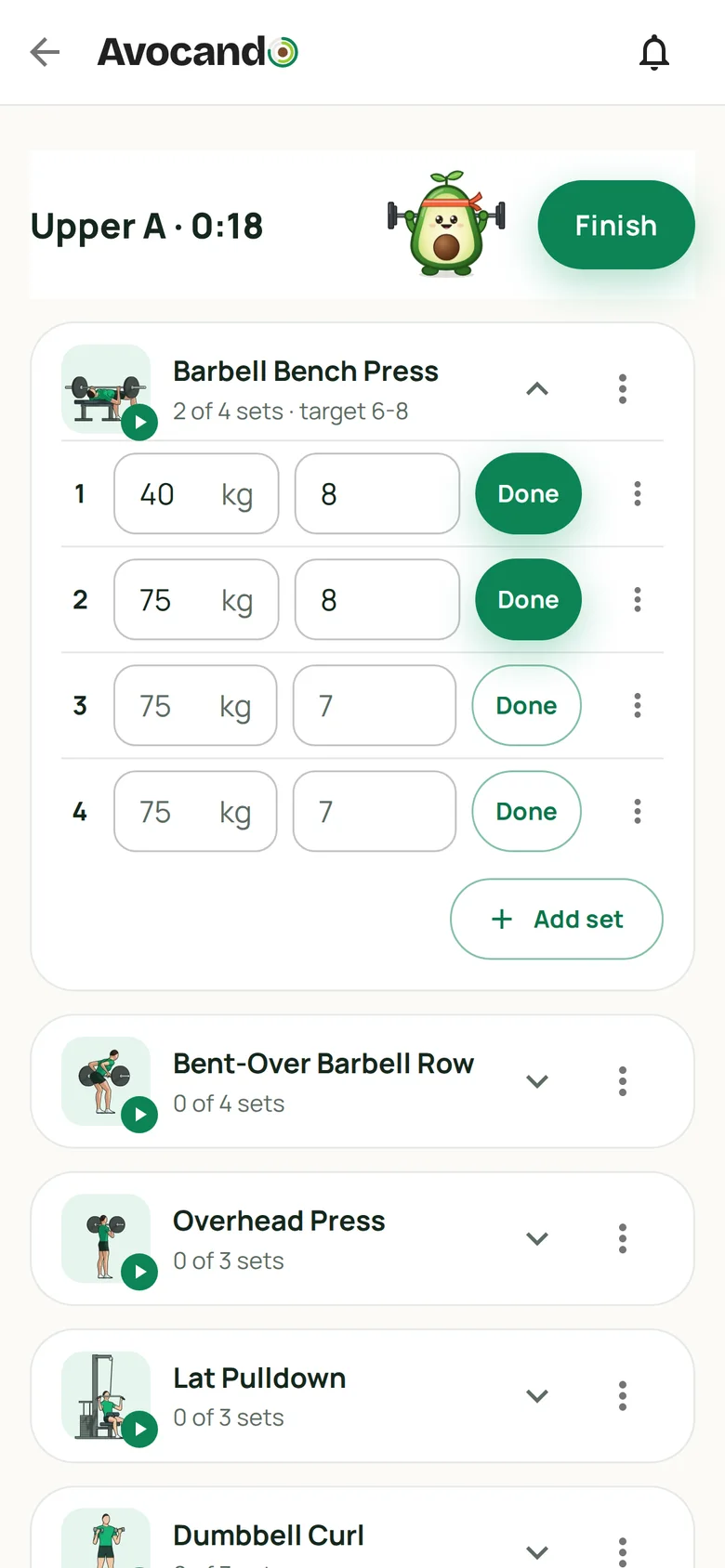
Your plan, your classes, every set
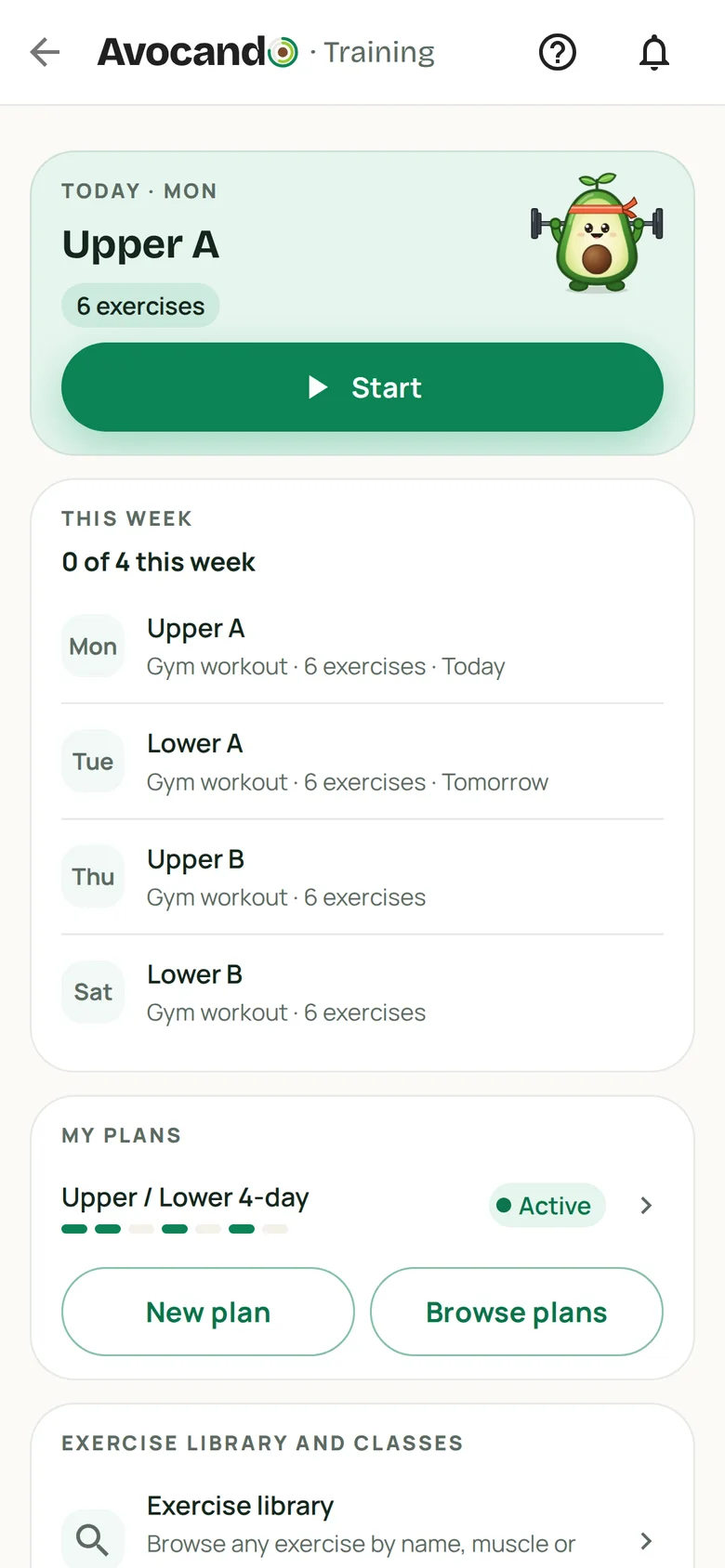
Follow a ready-made plan or build your own, with gym days and classes together. Log weight and reps, and the rest timer starts when you tick a set.
- Sets filled in from last time
- Animated figures for the main lifts
- New records shown when you finish
Recipes
Recipes from creators, ready to log
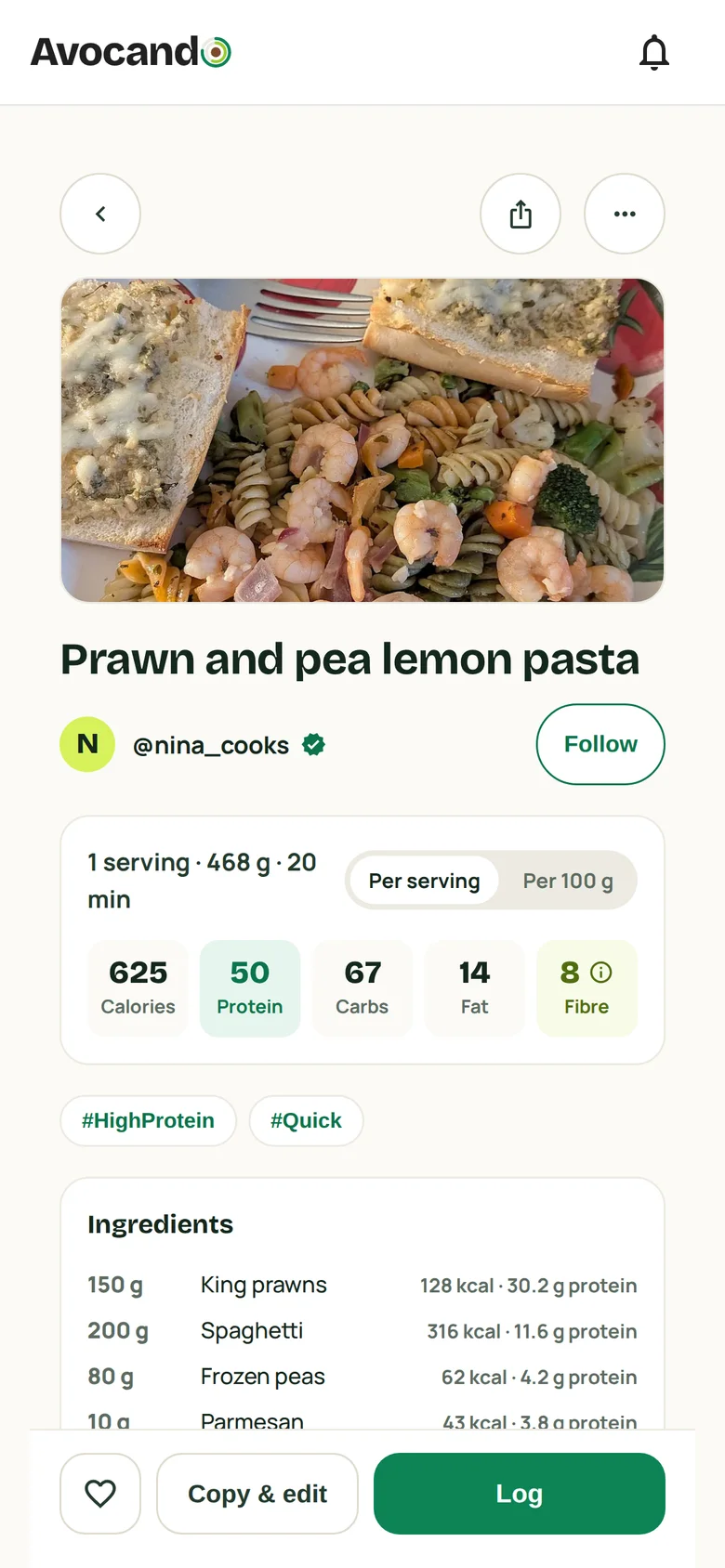
In Discover, creators publish recipes under their own name, each with macros per serving. Cook one, then log a serving.
- Fits your day, Trending and Most made
- Follow the creators you like
- Filter by protein or calories
Your recipes
Your recipes, and the ones you find
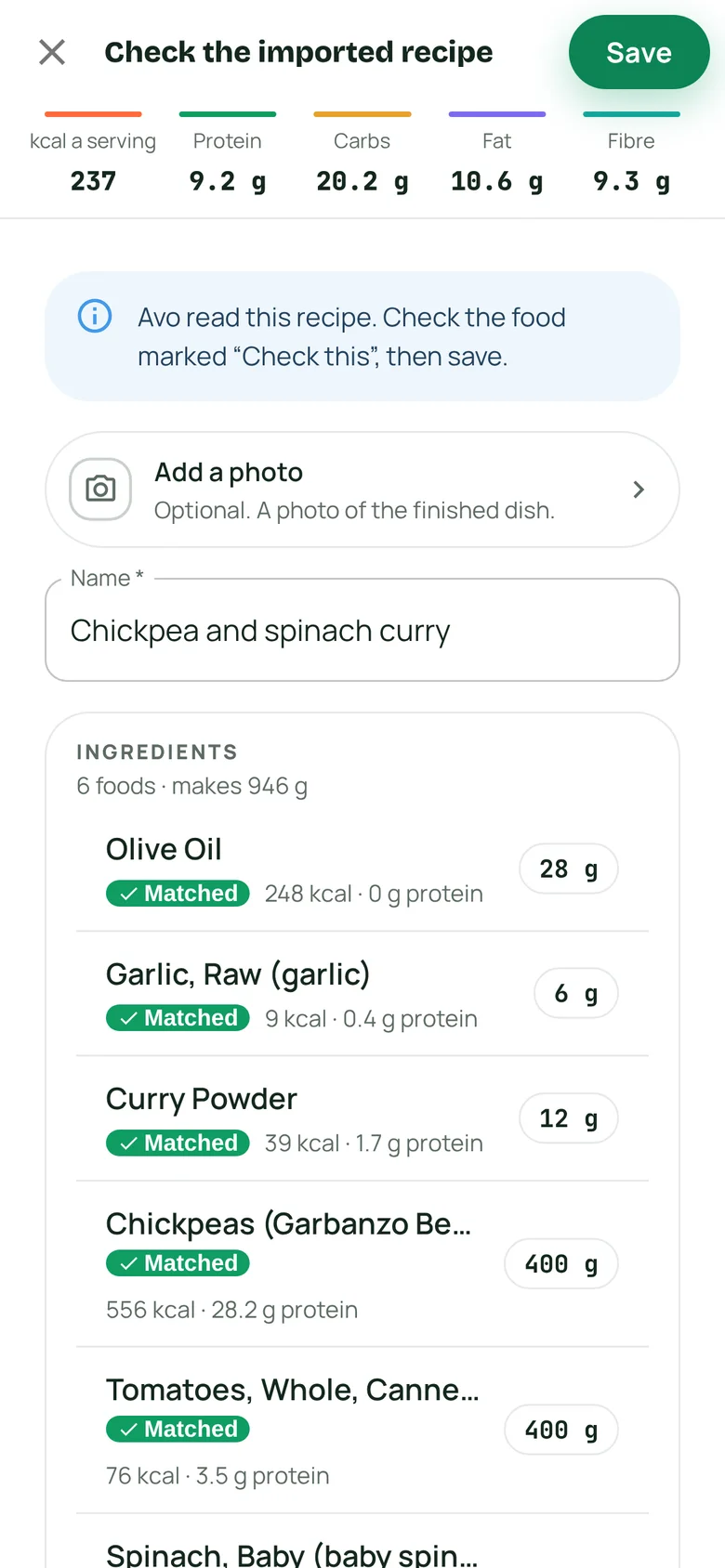
Build a recipe from foods in the library and it works out the macros per serving. With Premium, paste a link and the recipe comes in for you to check.
- Private to you
- Copy and edit a creator’s recipe
- Send one to your household
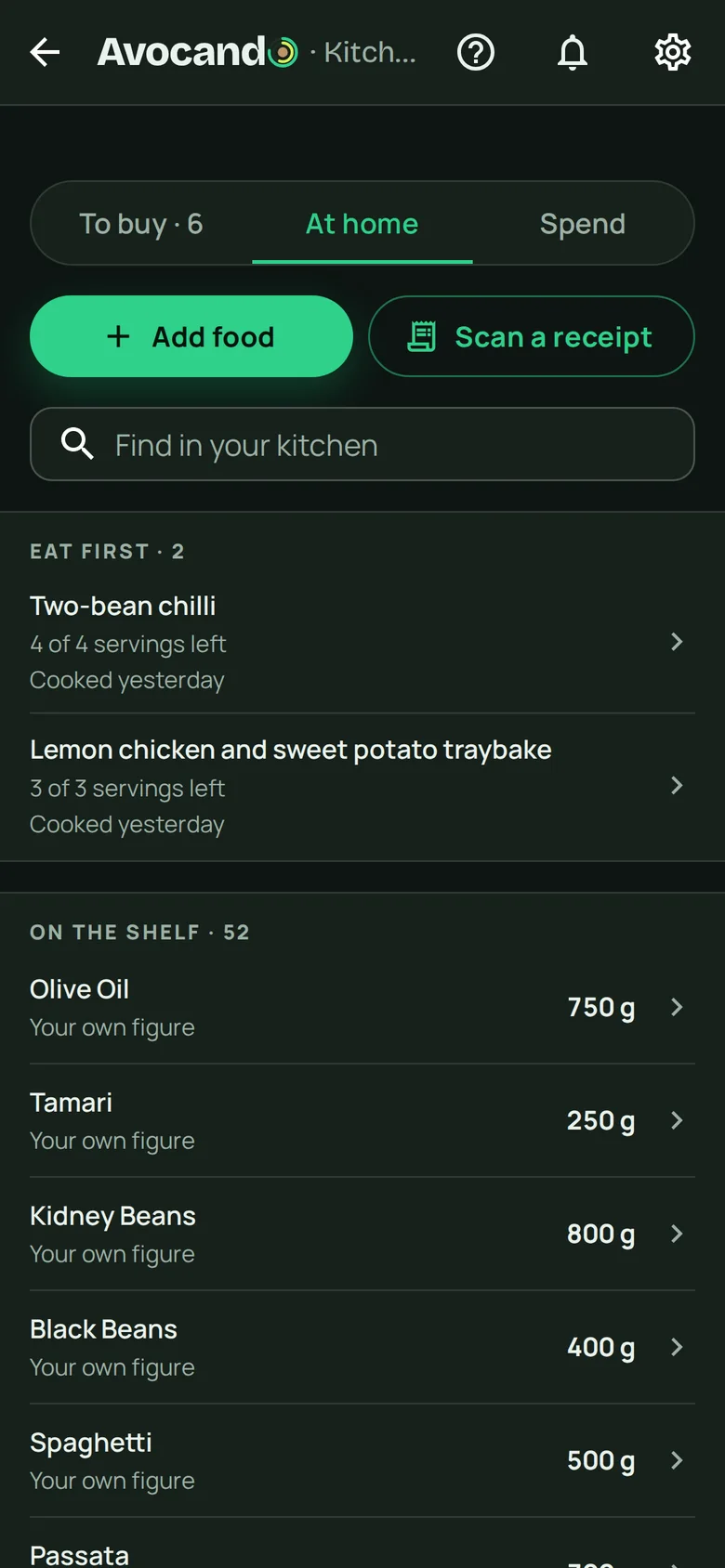
Kitchen
Know what is at home
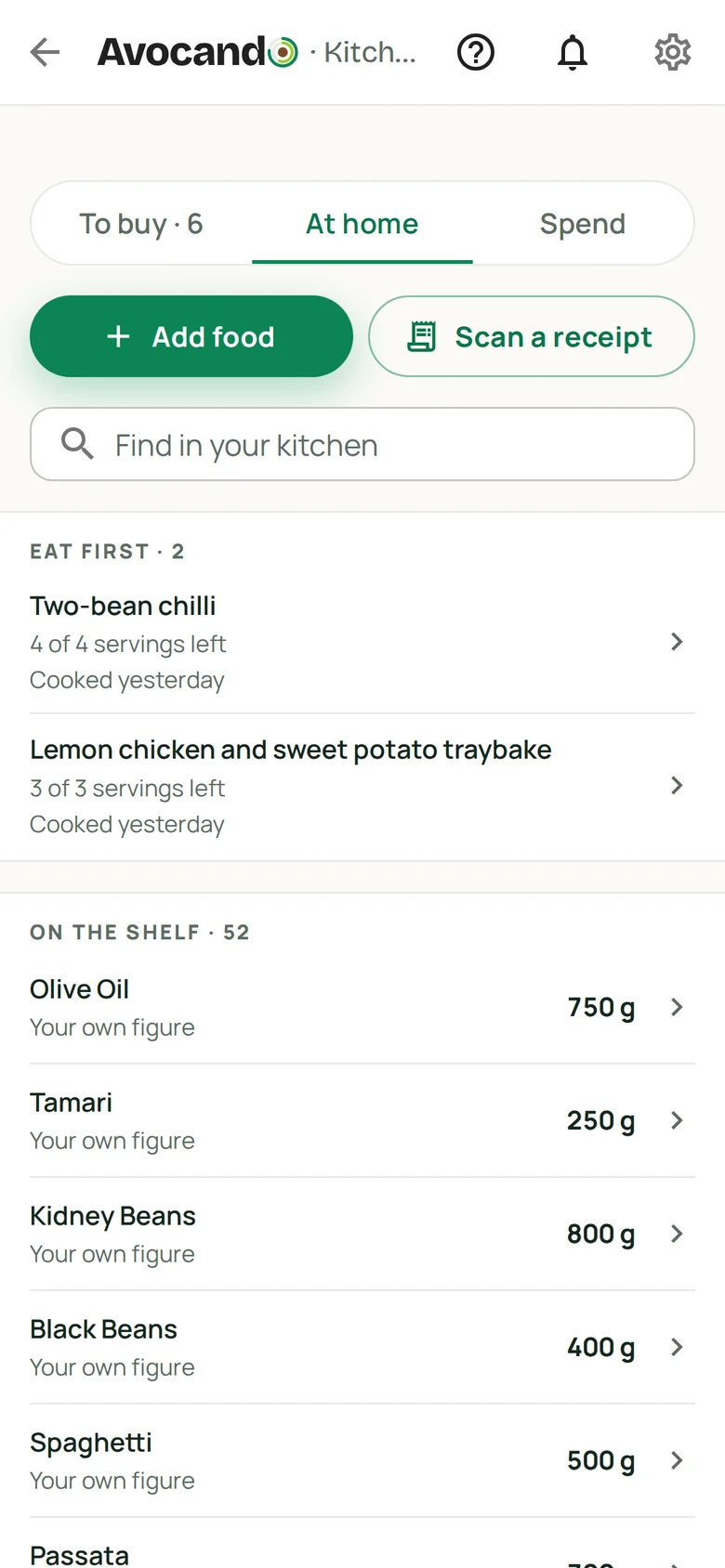
The Kitchen keeps count of what is on the shelf and what to eat first. When something runs out, it goes on To buy by itself.
- Leftovers under Eat first
- To buy fills itself
- Share it with your household
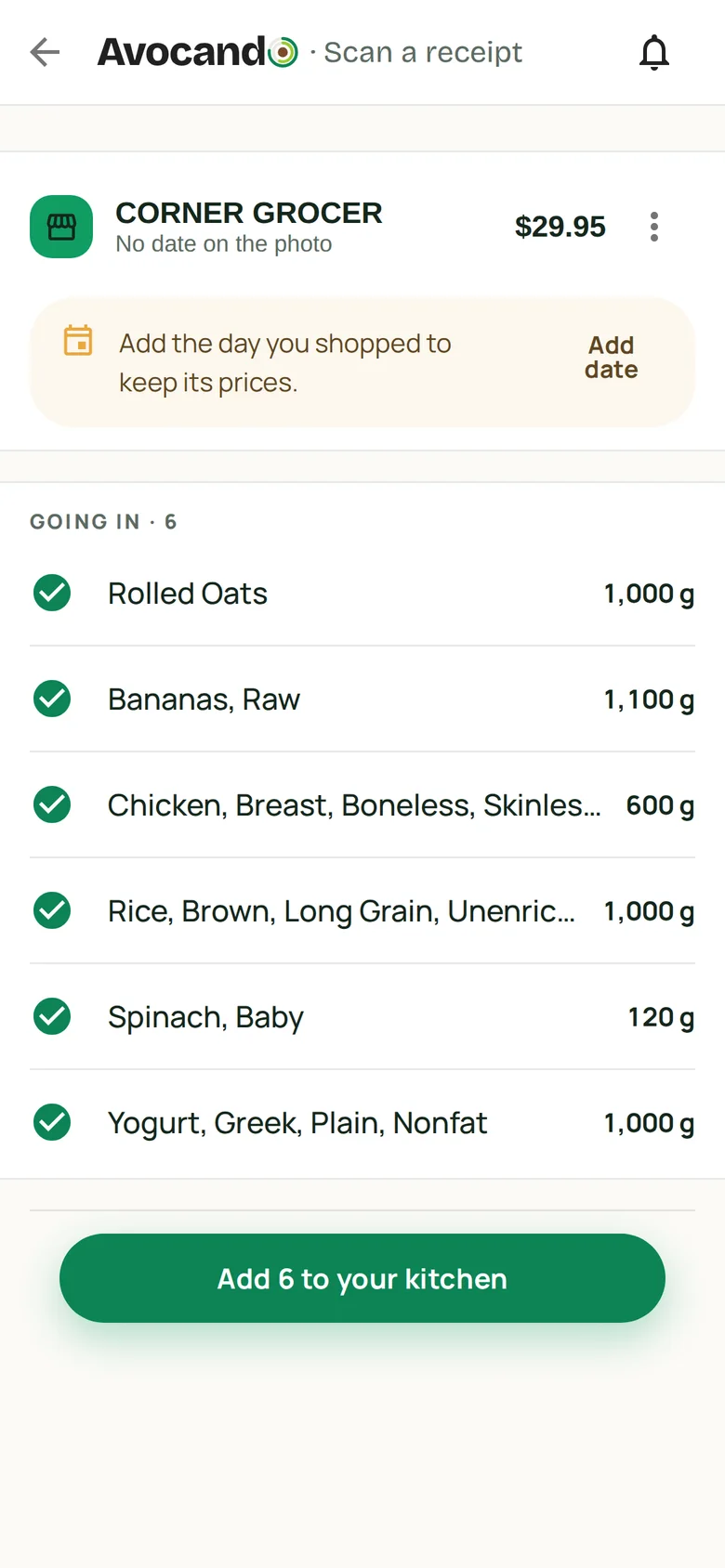
With Premium, photograph a shopping receipt and the items come in as a list for you to check.
My plan
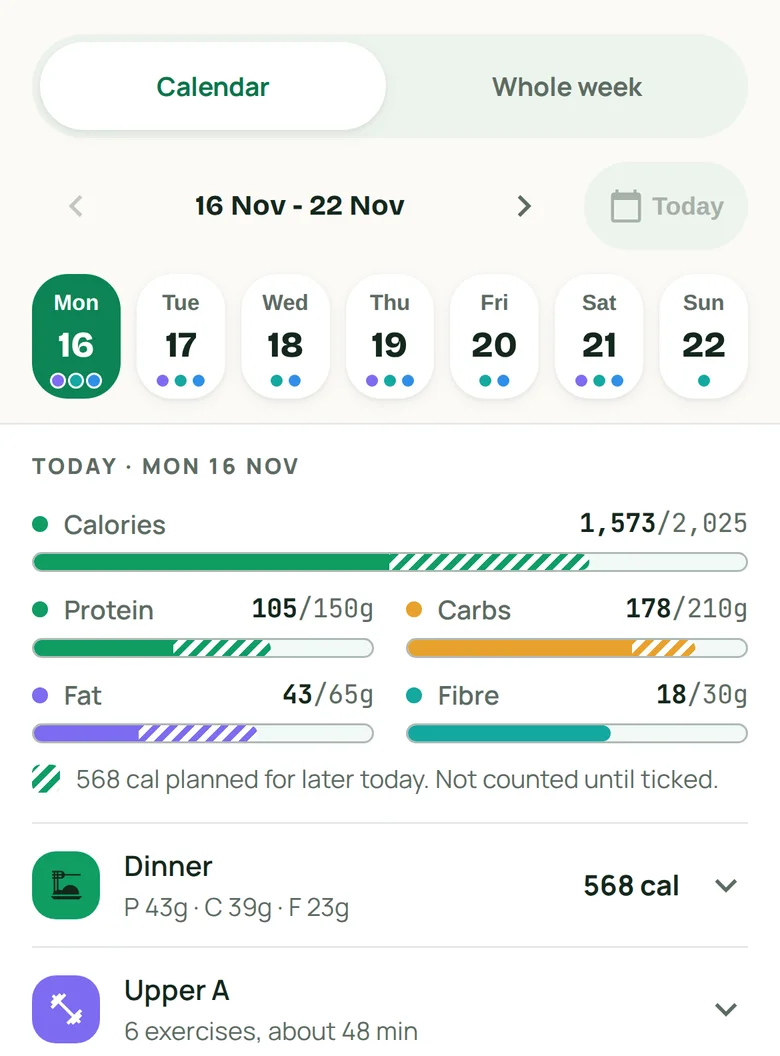
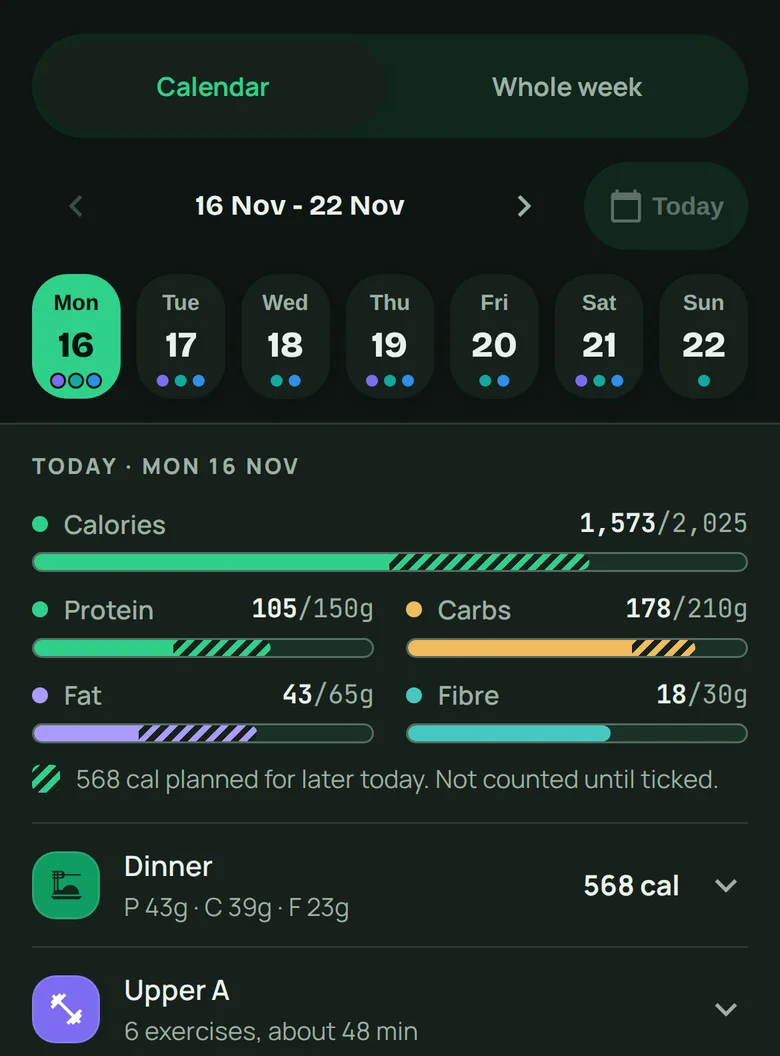
Plan the week, then shop for it
My plan shows this week and next, day by day, with your training and habits on it. With Premium, plan meals ahead and add what they need to To buy.
- Calendar or whole week
- One meal on several days
- Meals checked against your targets
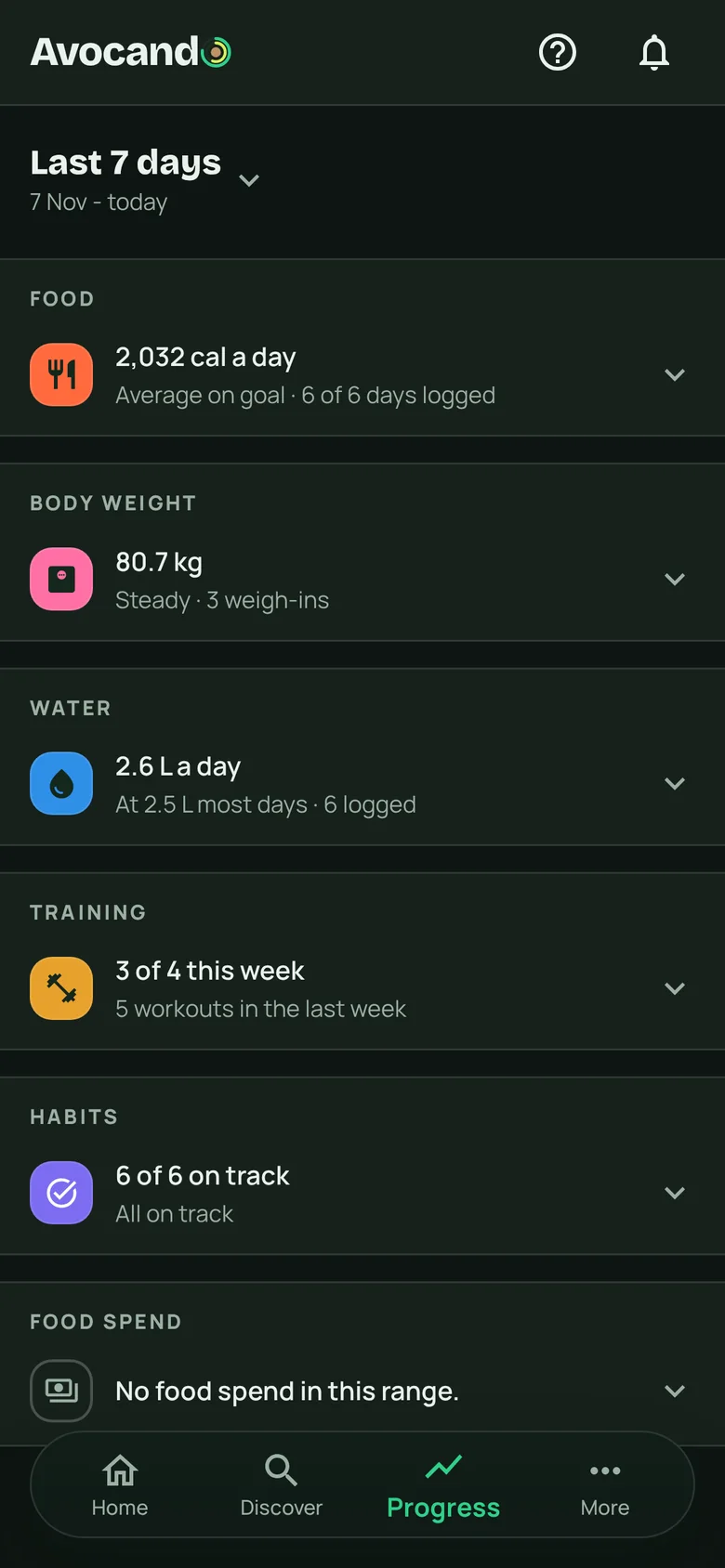
Progress
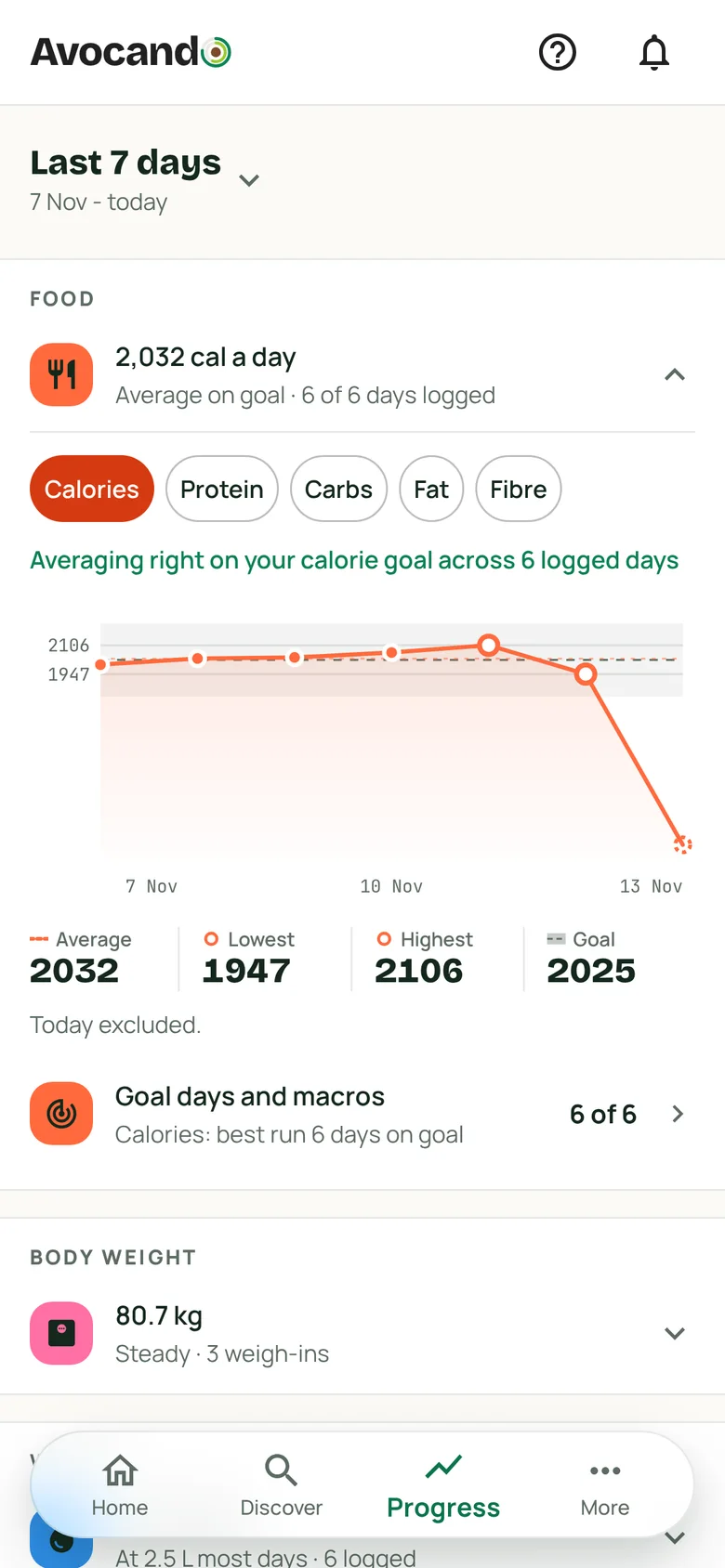
How it is going, on one page
Food, body weight, water, training and habits, each folded to one line you can open. Numbers, not judgement.
- The last 7, 15 or 30 days
- 90 days with Premium
- Filter by day tag
Themes
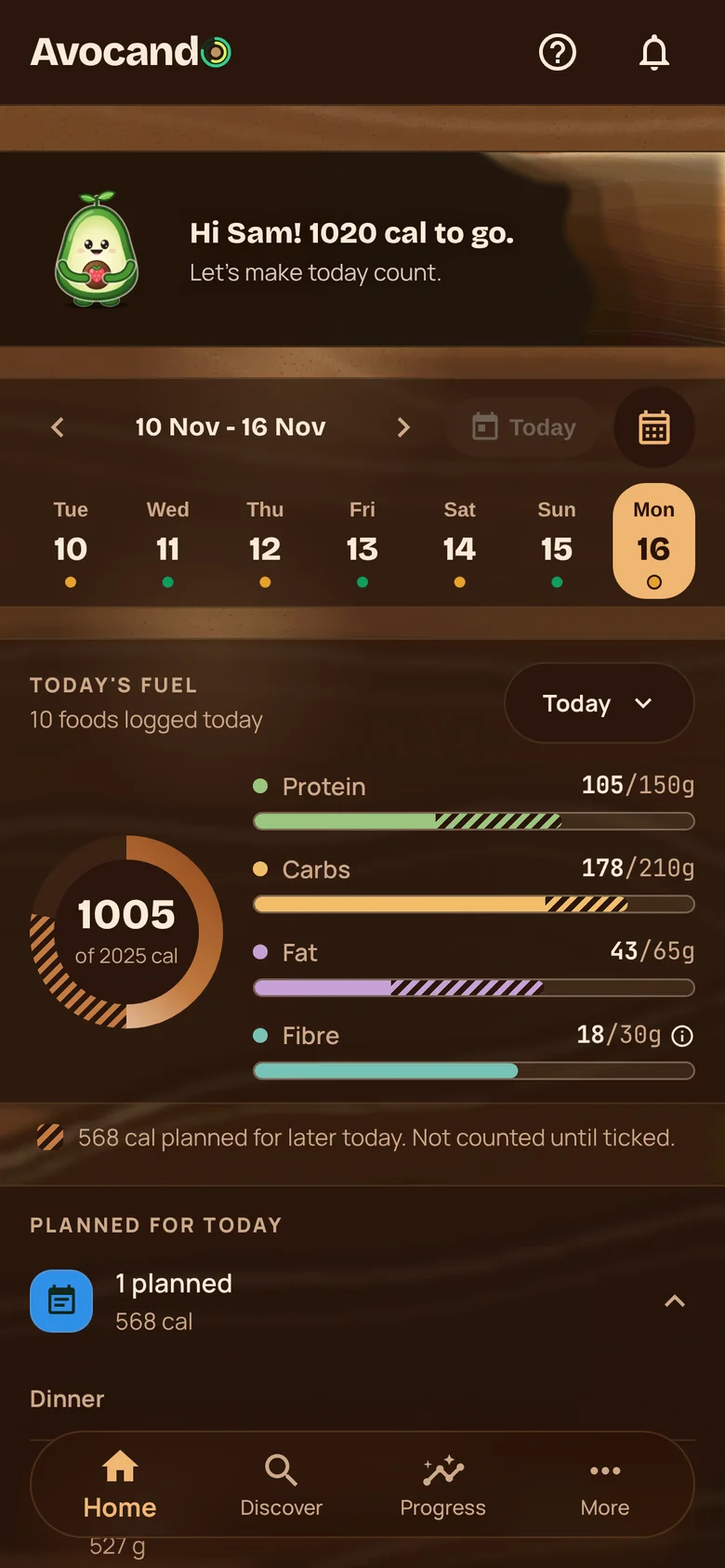
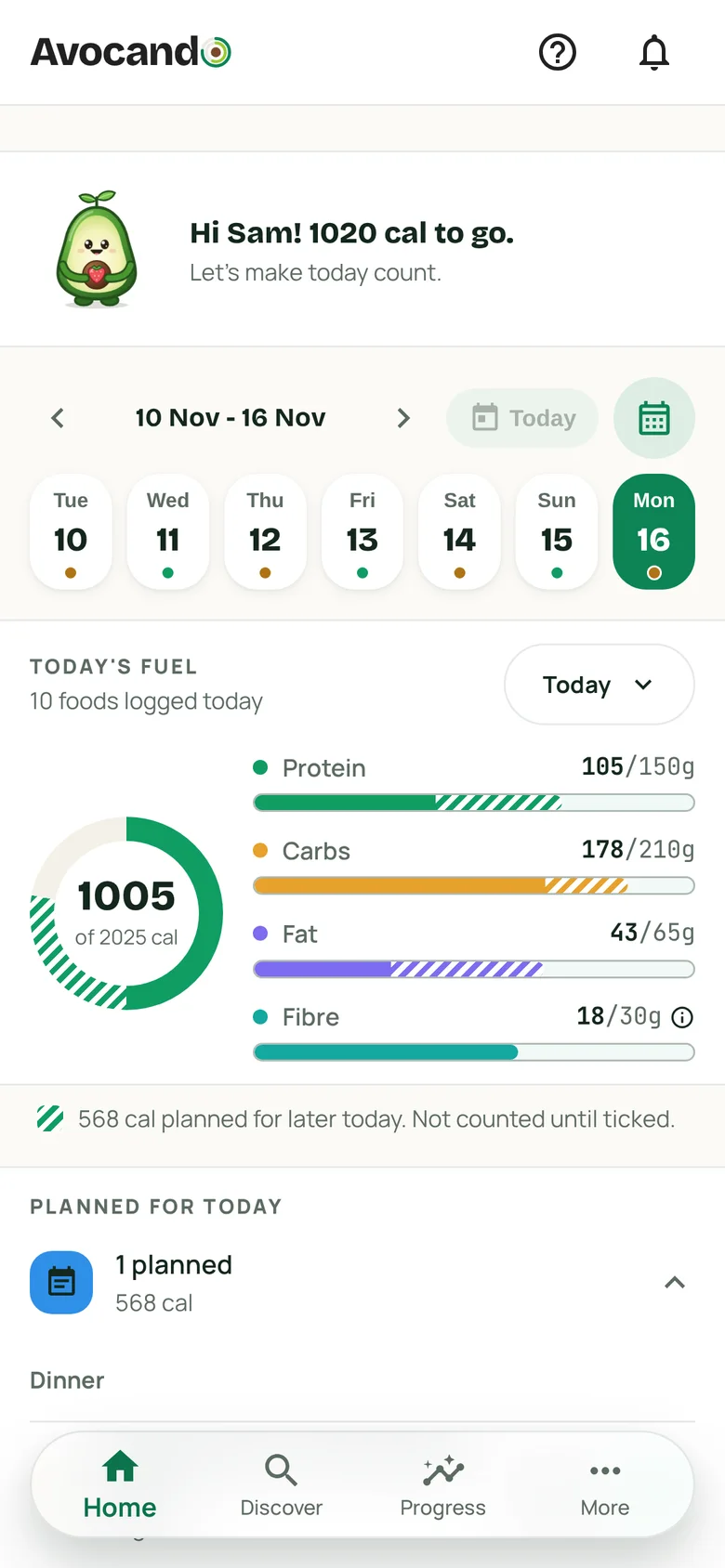
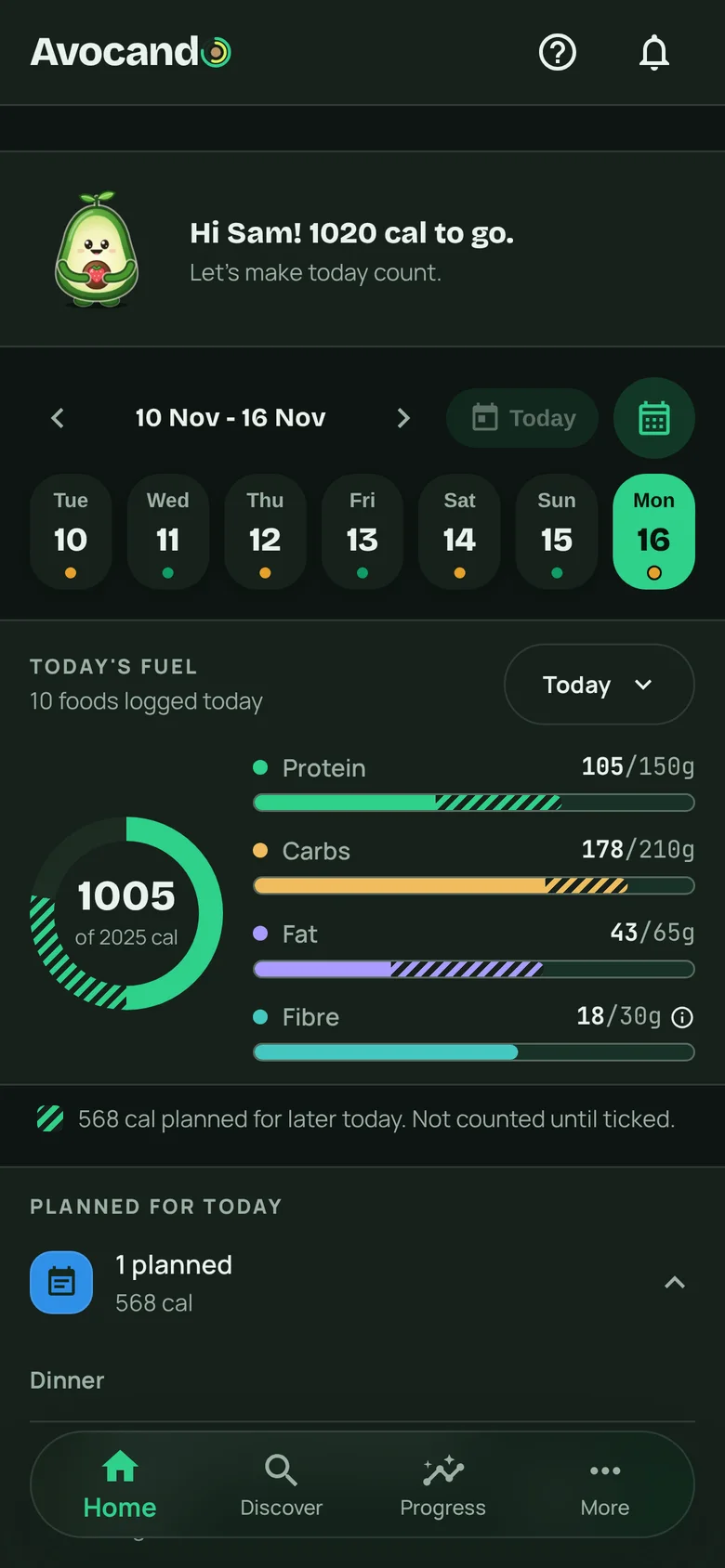
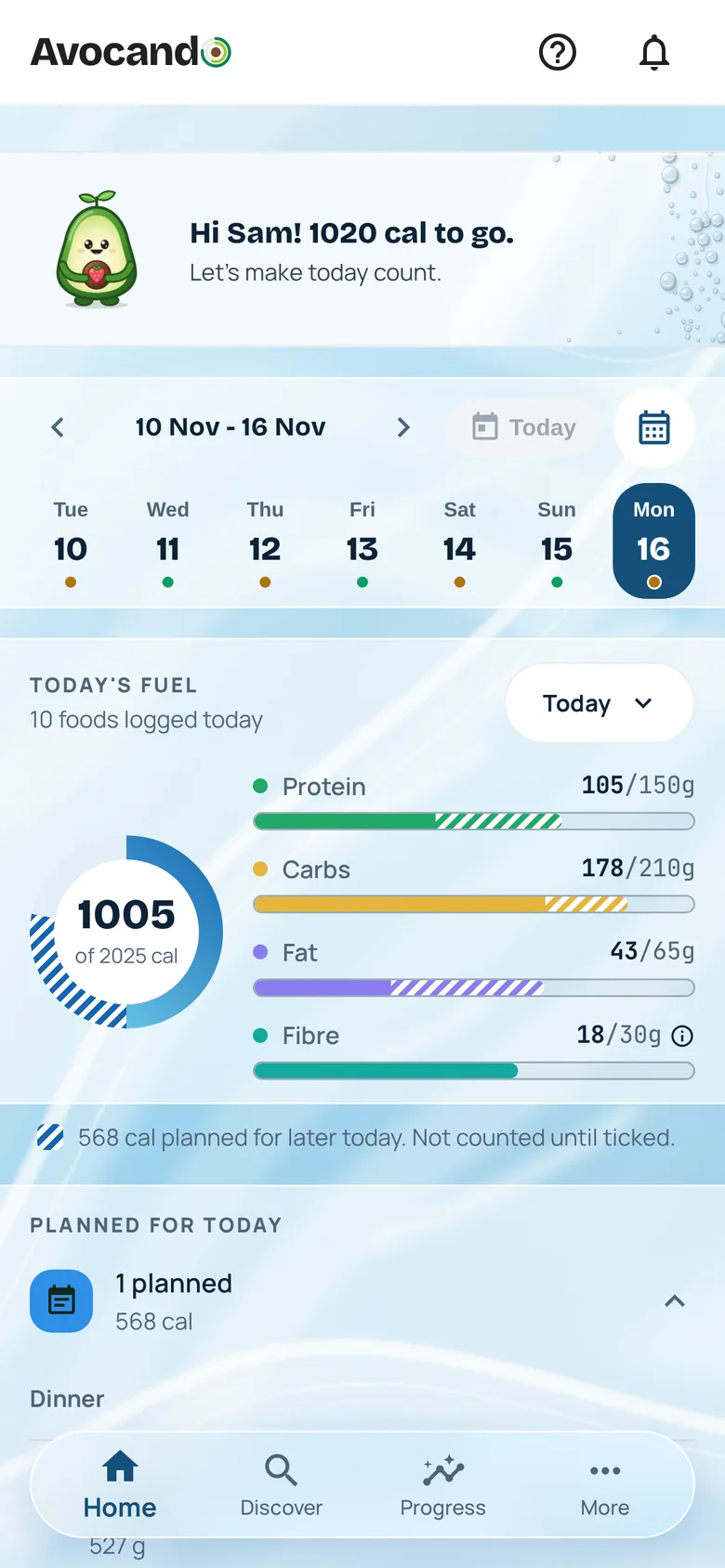
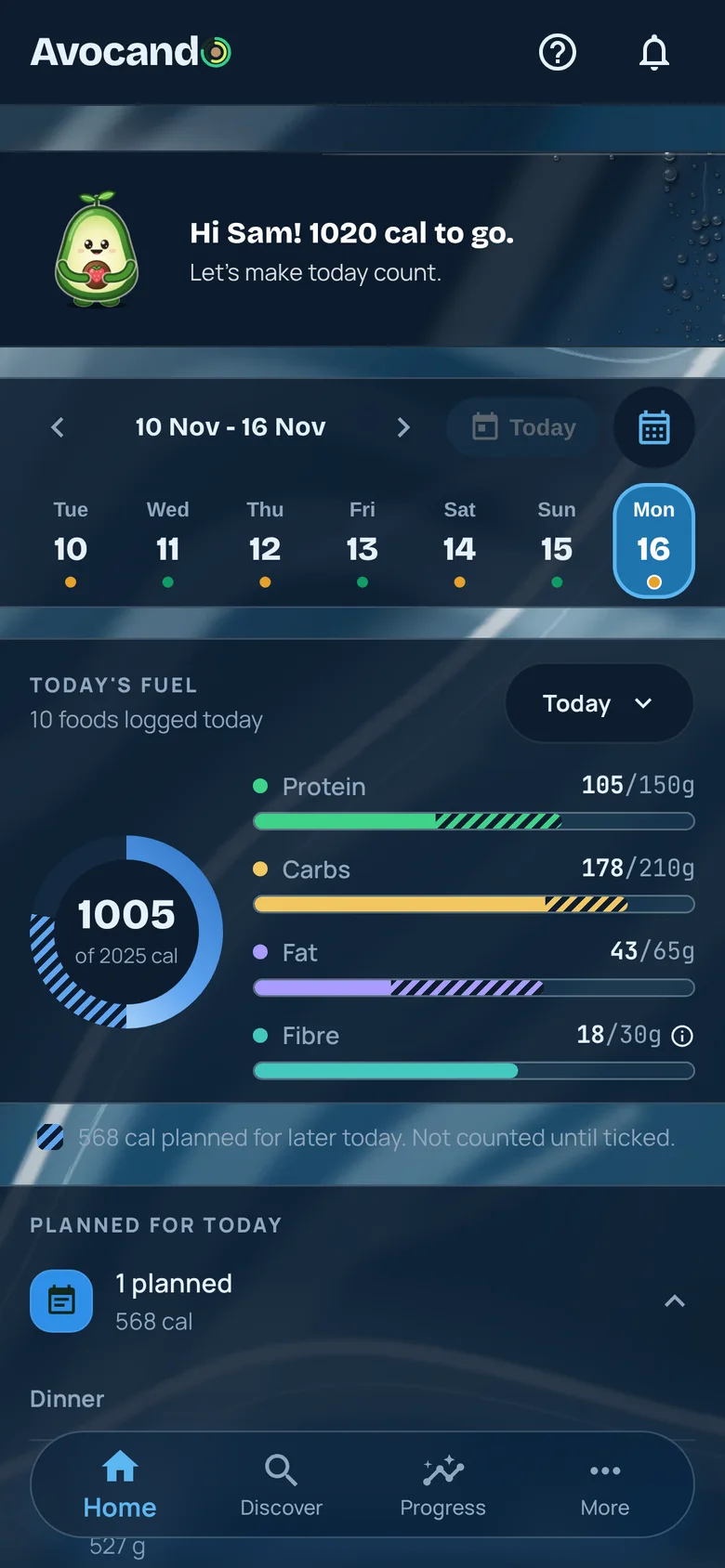
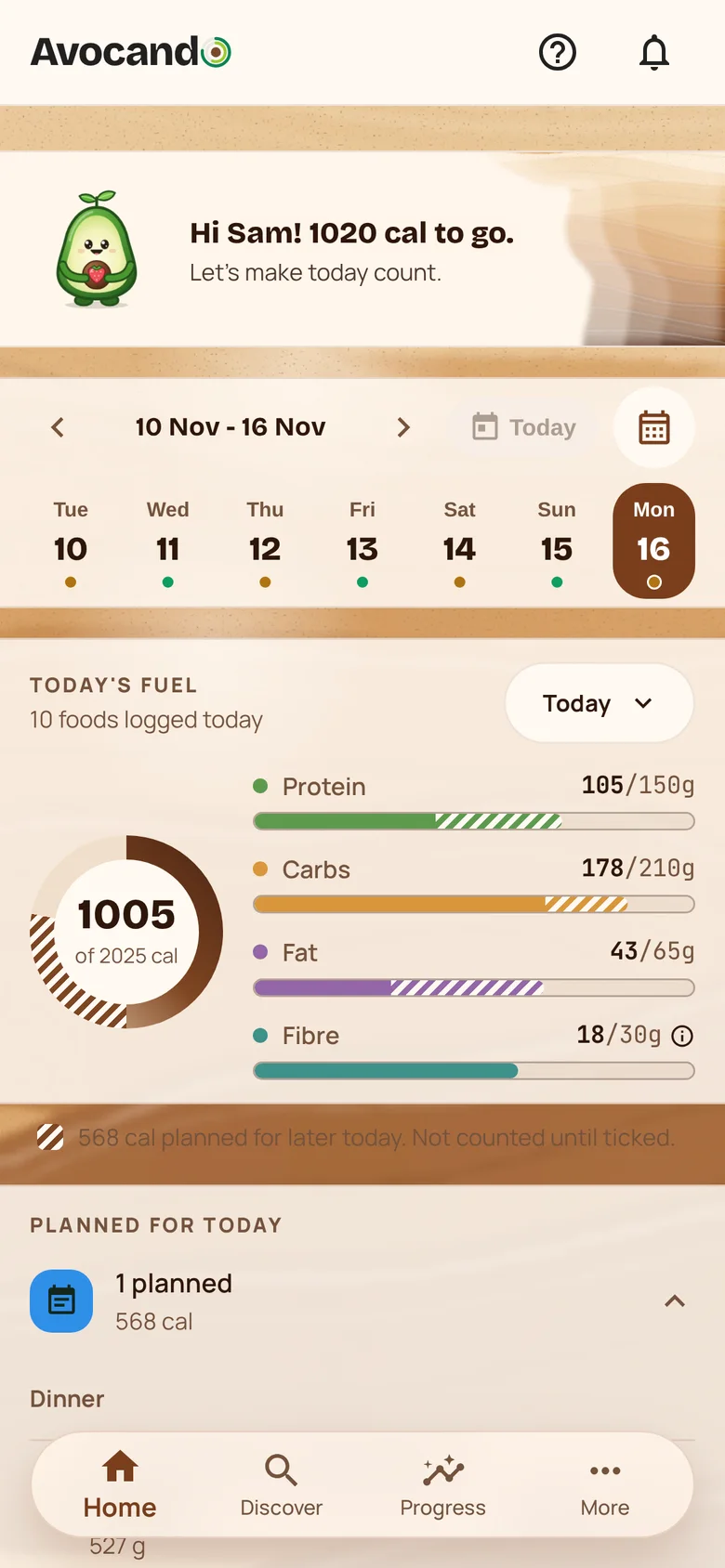
Make it look like yours
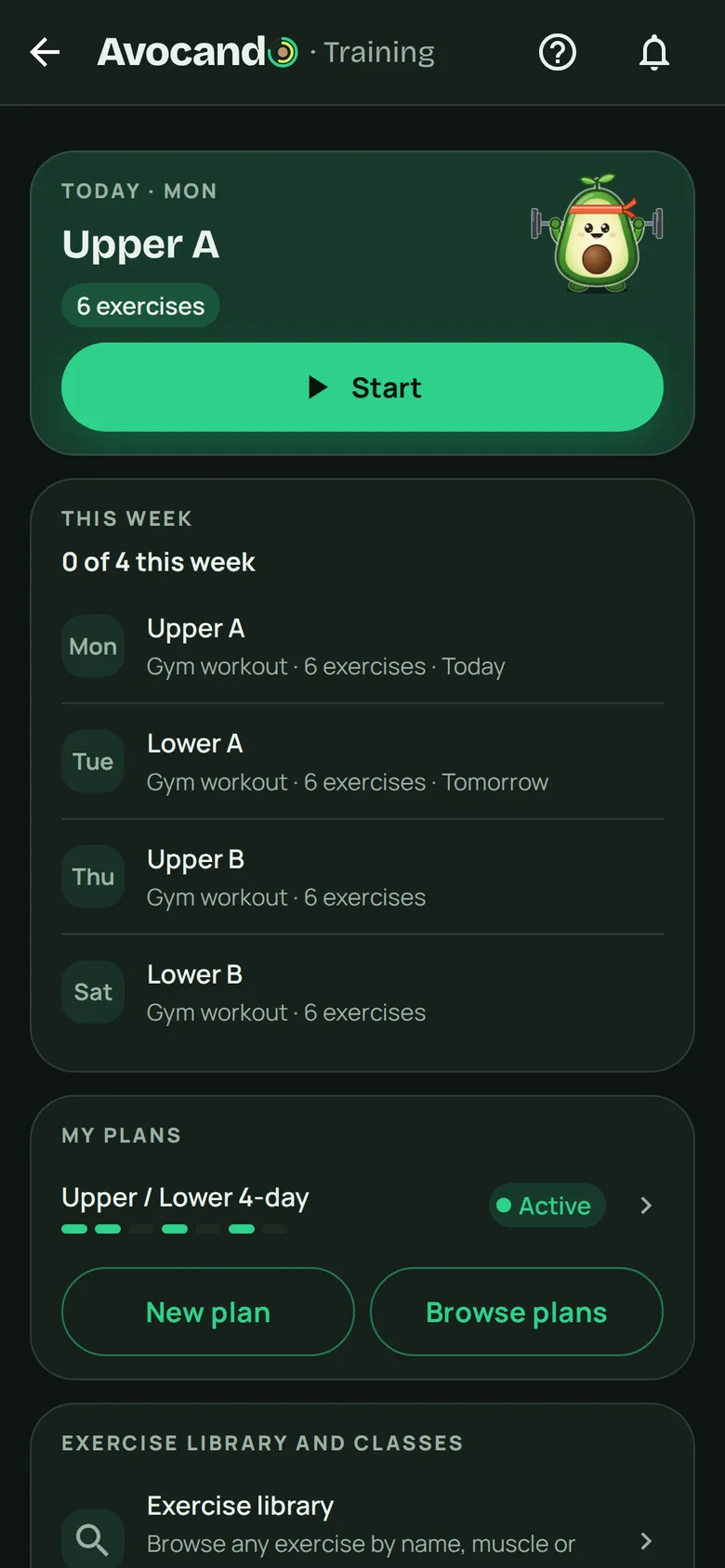
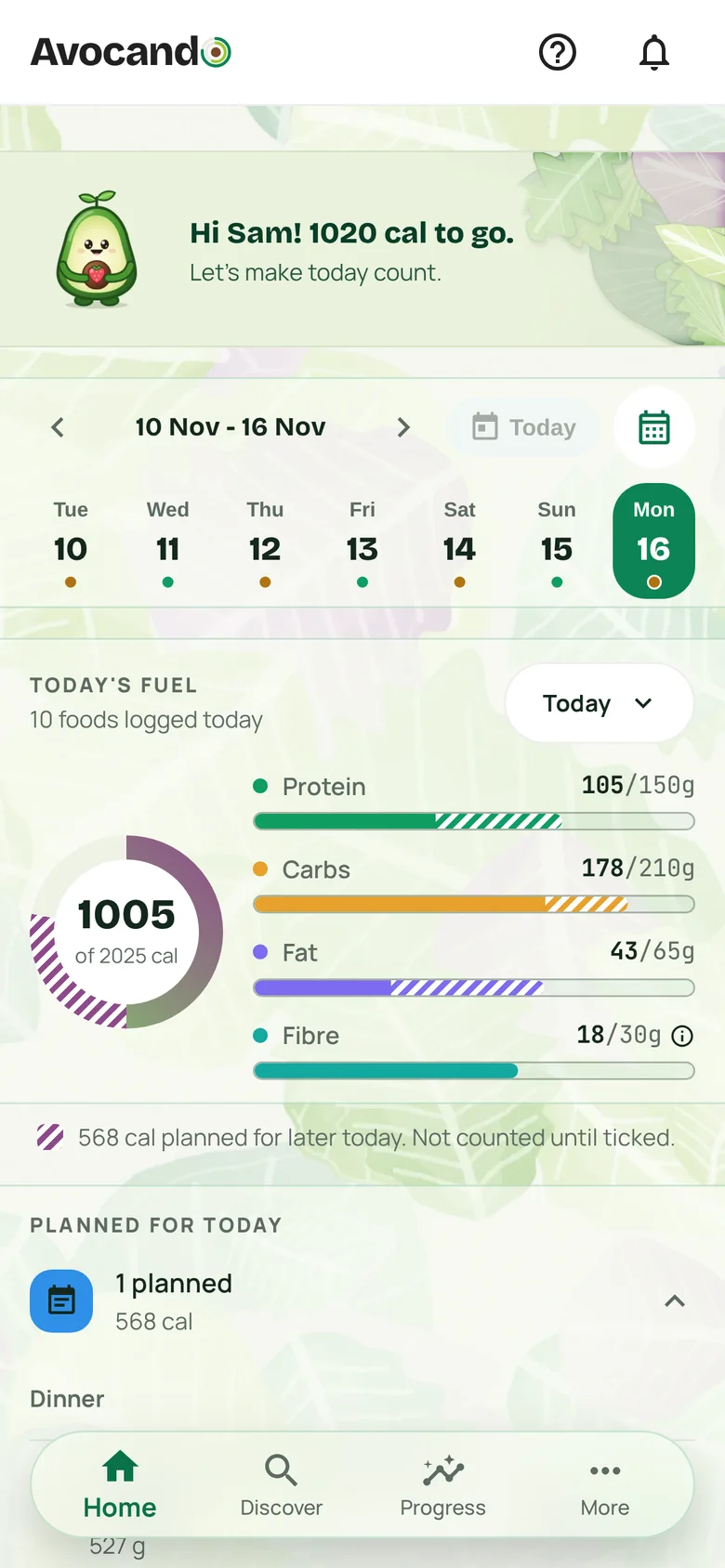
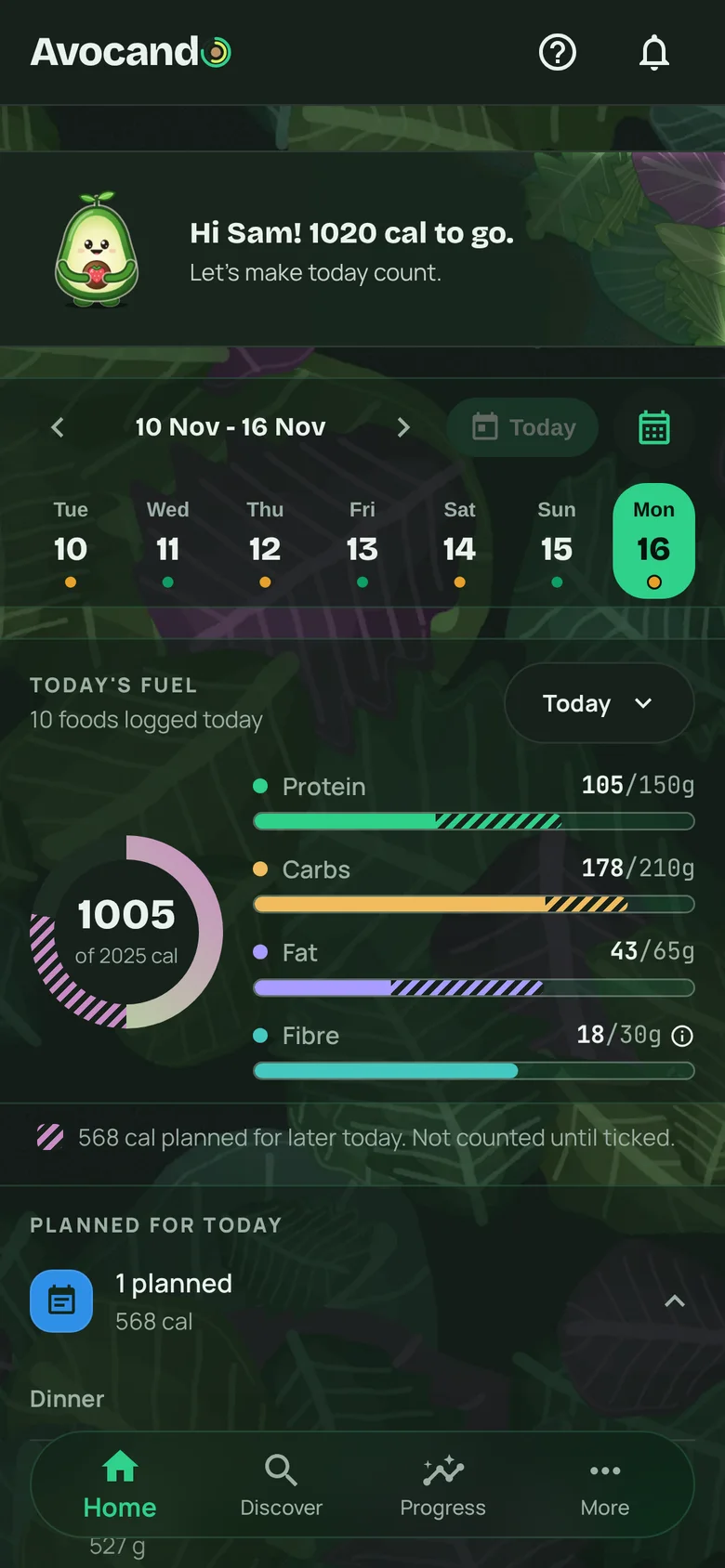
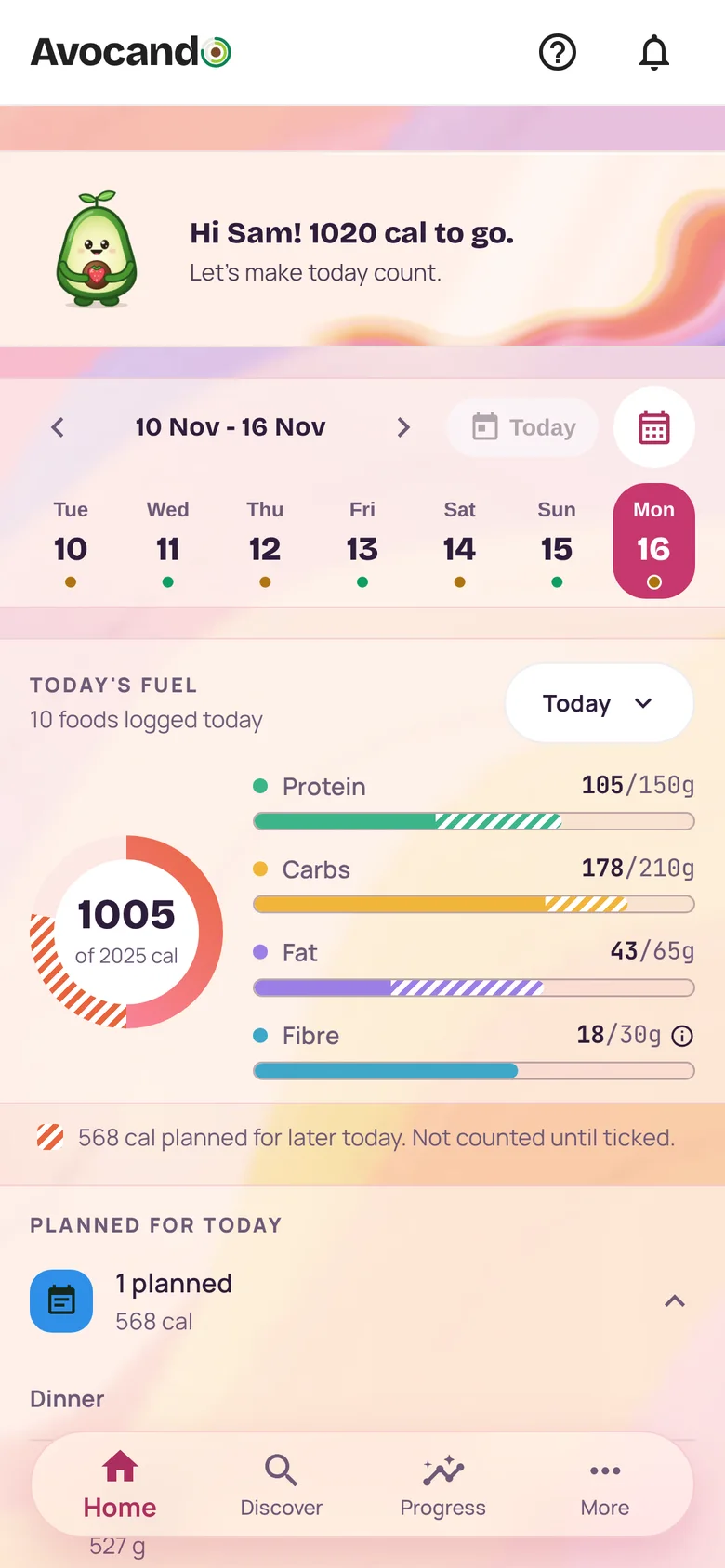
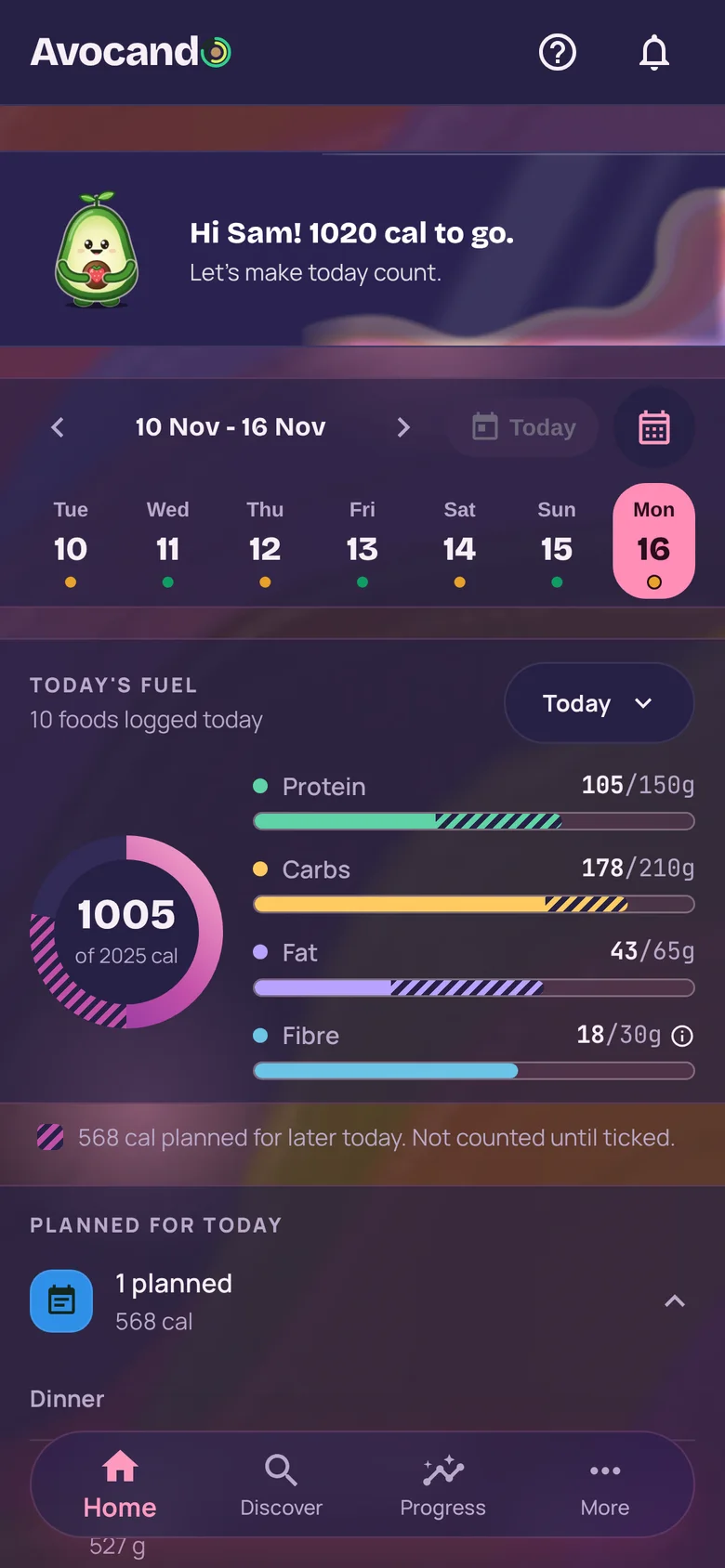
Five colour themes, each in light and dark. Try them here.
Pick yours in the app under Settings, Appearance.
And the small things
Fits your day
Discover can show the recipes that fit what is left of today’s targets.
Cooked it just now
Say you cooked a recipe and the food comes off your shelf. Leftovers go under Eat first.
A missed day is covered
One missed day a month does not break a run. That is for everyone.
Day tags
Tag your office days or rest days, and your habits follow the tag.
Send a meal across
Send a meal or a recipe to someone in your household.
Targets with the working shown
Daily targets worked out from your details, sums included.
What is free, and what is Premium
Free
No card needed.
- Food and macro logging by search and barcode
- Habits, workouts and classes
- Recipes, Discover and the Kitchen
- Five colour themes, light and dark
- The last 30 days of your history on screen
Premium
Or A$14.99 a month. New subscribers start with a 7-day free trial, card needed.
- Everything on Free
- Log a meal by typing one sentence
- Logging by photo, and by voice in the phone apps
- Label and receipt scans
- Recipe imports
- Answers about your day
- Meal planning
- Your full history
The iPhone and Android apps are out on Sunday 6 December, and Premium is bought there. Until then, everything on Free works on the web.
In the US, US$59.99 a year or US$9.99 a month. The store shows the price in your own currency; the same price applies in the App Store and Google Play. You cancel in the App Store or Google Play.
Your data stays yours
Yours to take or delete
Export your data or delete your account whenever you like.
Never sold
We do not sell your data or share it with advertisers.
Private unless you share or publish
Private to you unless you share with your household. Only a creator’s published recipes are public.
Not used to train AI models.
Do you publish recipes?
Creators get their own page, publish under their own name, and earn a fixed fee when someone joins Premium with their code.
The things people ask first.
Is Avocando free?
It has a Free plan and Premium. The Free plan needs no card: food and macro logging with barcode scanning, habits, workouts, trends and recipes, with the last 30 days of your history. Premium gives you logging by photo, and by voice in the phone apps, label and receipt scans, recipe imports, answers about your day, your full history and meal planning. It is A$89.99 a year or A$14.99 a month in Australia, and US$59.99 a year or US$9.99 a month in the US; elsewhere the store shows the price in your own currency. New subscribers start with a 7-day free trial, card needed. Premium is bought in the iPhone and Android apps, which are out on Sunday 6 December, and you cancel in the App Store or Google Play.
How do I get Avocando?
Start free on the web today. The iPhone and Android apps are out on Sunday 6 December, and you sign in with the same account.
What happens to my data?
Your data is isolated to your account. You can export it or delete it whenever you want, and we do not sell it. When you ask Avo something, it sends what it needs to answer, your question and the food, profile and trend details it looks up, to our AI providers, who do not train on it under our agreements. Our privacy policy has the details.
Is Avo a real person?
No. Avo is an AI assistant, not a human and not a medical professional. It shares general information to help you log and understand your day, not medical advice. Consult a doctor or dietitian for medical or nutrition questions.
When can I start?
Today, on the web. The Free plan needs no card, and your account carries over to the iPhone and Android apps when they are out on Sunday 6 December.
Which devices work?
On the web, in a current browser on a phone or a computer. The iPhone and Android apps are out on Sunday 6 December. Your data lives in your account, so signing in on a new device brings everything with you.
You’ve got this.
Start on the web today. The Free plan needs no card, and the same account works on iPhone and Android from Sunday 6 December.